
On This Page
Quick Answer
The Exness Personal Area is a centralized dashboard where you manage trading accounts, deposits, withdrawals, analytics, copy trading, and security settings. It includes key sections such as Trading, Payment & Wallet, Analytics, Exness Benefits, Copy Trading, Support Hub, and Settings—allowing you to control every part of your trading experience in one place.
The Exness Personal Area is not just a dashboard — it is a complete ecosystem where traders manage accounts, funds, analytics, and trading tools in one place.
Below is a detailed breakdown of the main sections inside Exness Personal Area and what each one does.
Trading Section
This is the core area where you manage all trading-related activities.
My Accounts
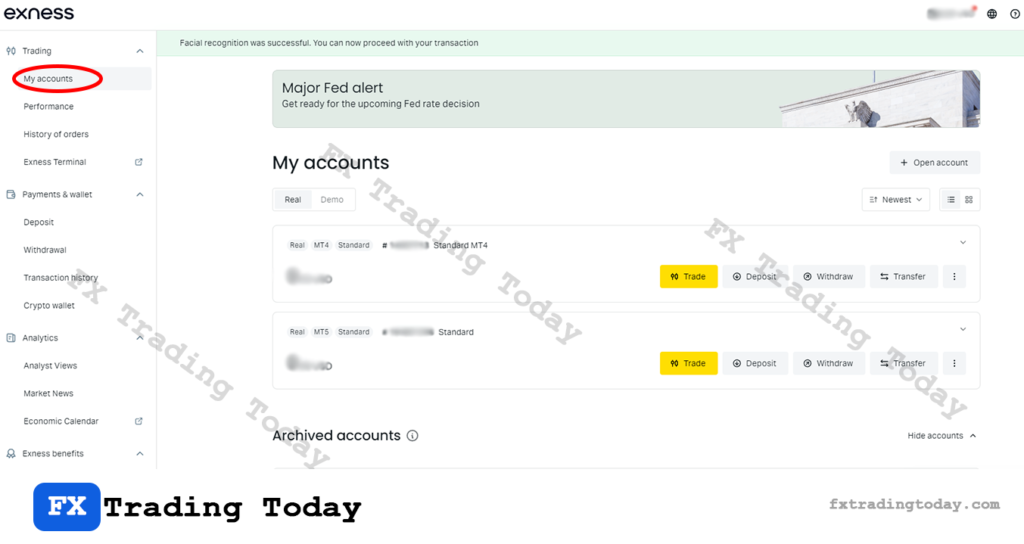
The My Accounts tab allows you to create and manage all your trading accounts, including:
- Real and demo accounts
- MT4 and MT5 accounts
- Account types (Standard, Pro, Raw Spread, Zero)
- Leverage settings
- Server details
👉 This is where you find your MT4/MT5 login ID, server, and trading password.
Performance
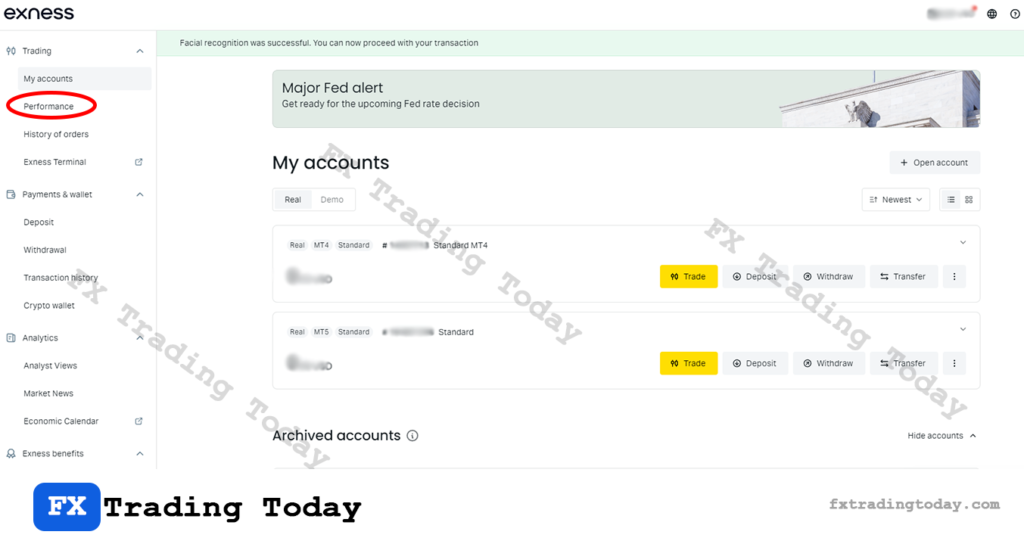
The Performance section gives you an overview of your trading results, including:
- Profit and loss tracking
- Account growth
- Trading statistics
It helps traders evaluate strategies and monitor performance over time.
History of Orders
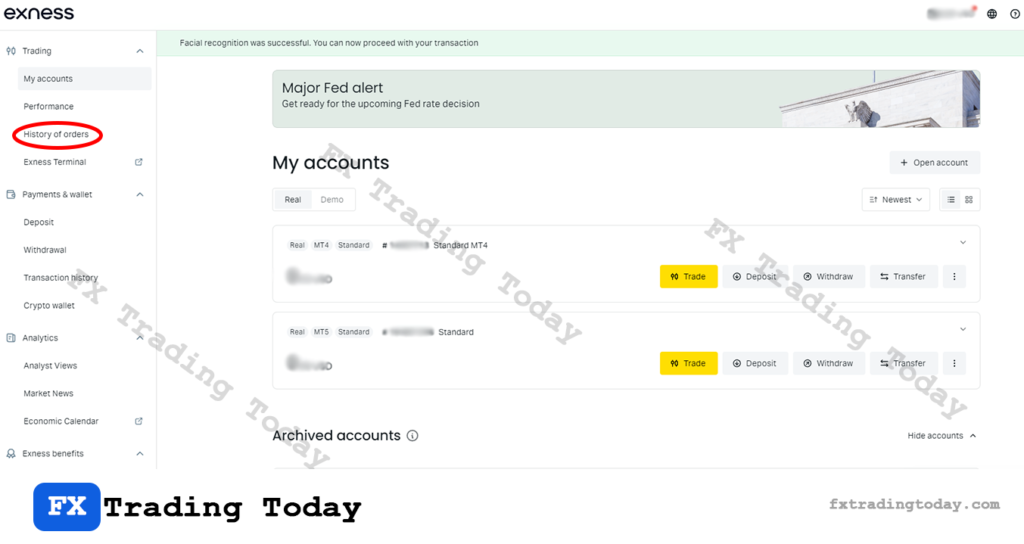
Here you can view your complete trading history:
- Closed trades
- Order execution details
- Entry and exit prices
- Profit or loss per trade
This is essential for reviewing past trades and improving trading decisions.
Exness Terminal
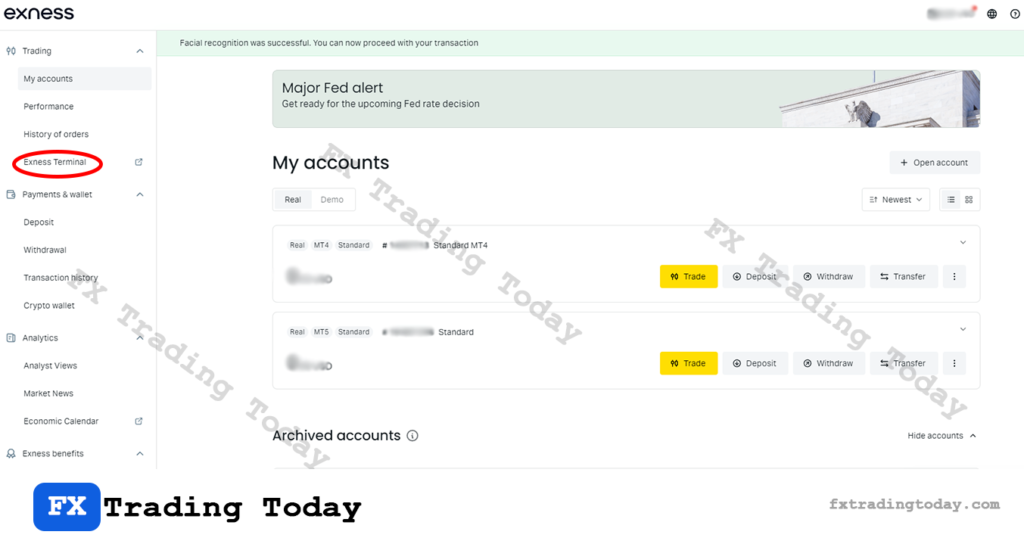
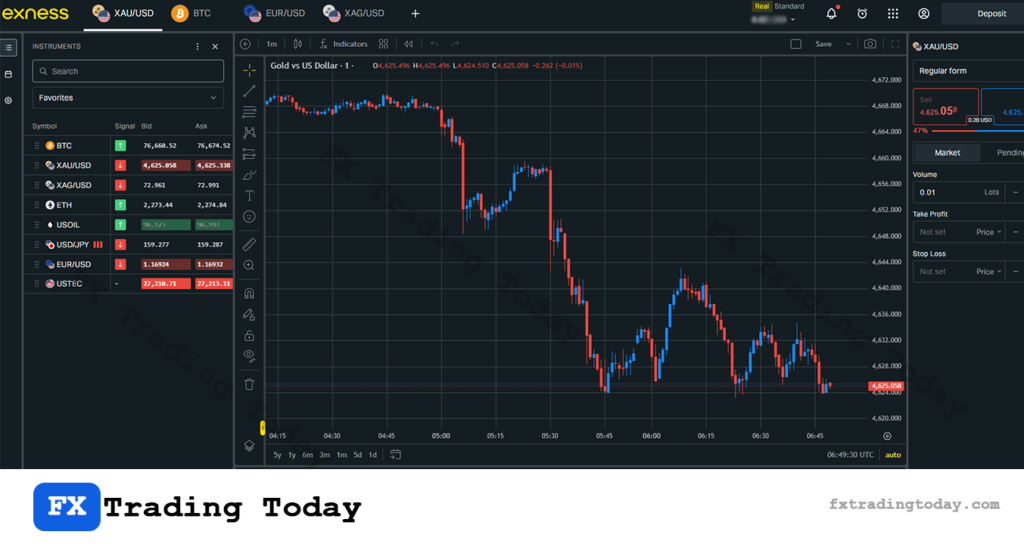
The Exness Terminal is a built-in web trading platform available directly in the Personal Area.
- No download required
- Trade directly from browser
- Access charts and trading tools
- Supports multiple assets
👉 Ideal for quick access when you don’t use MT4 or MT5.
Payment & Wallet Section
This section handles all financial operations.
Deposit
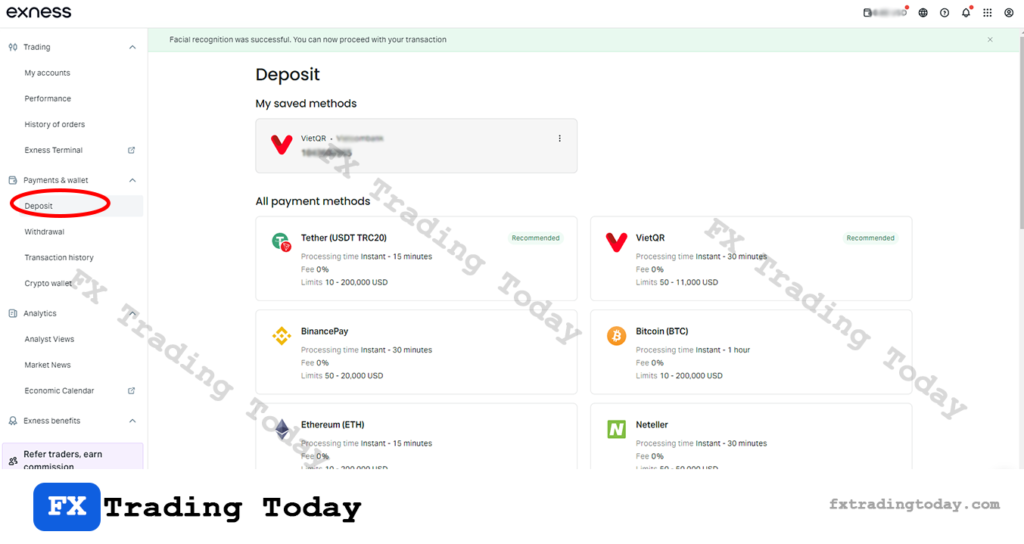
You can fund your account using available payment methods:
- Bank transfer
- E-wallets
- Local payment methods
- Cryptocurrency (depending on region)
Many deposits are processed instantly.
Withdrawal
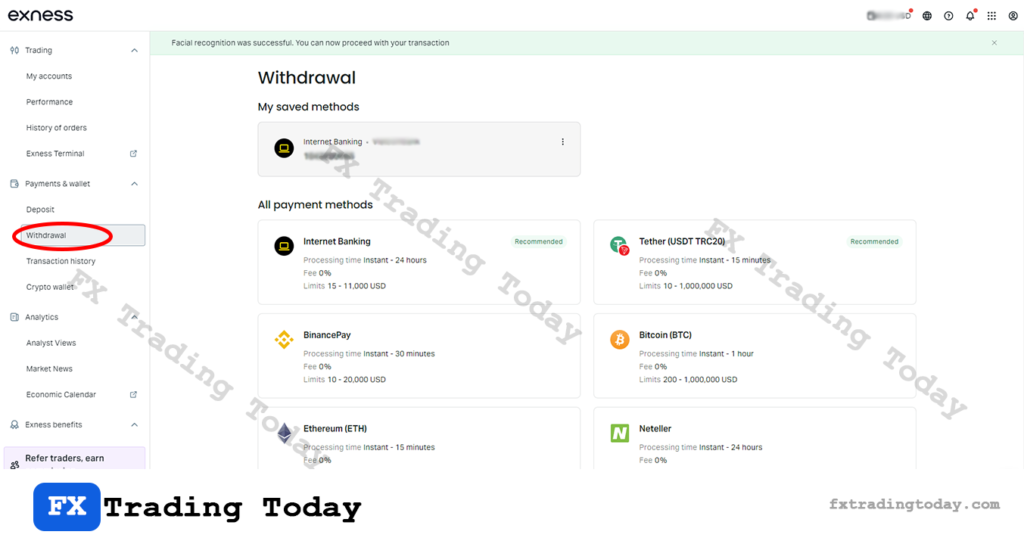
The Withdrawal feature allows you to transfer funds out of your account.
- Must follow the same method used for deposit (AML rule)
- Processing time depends on payment method
- Requires account verification
👉 To withdraw your funds smoothly, follow this step-by-step guide: How to withdraw money from Exness
Transaction History
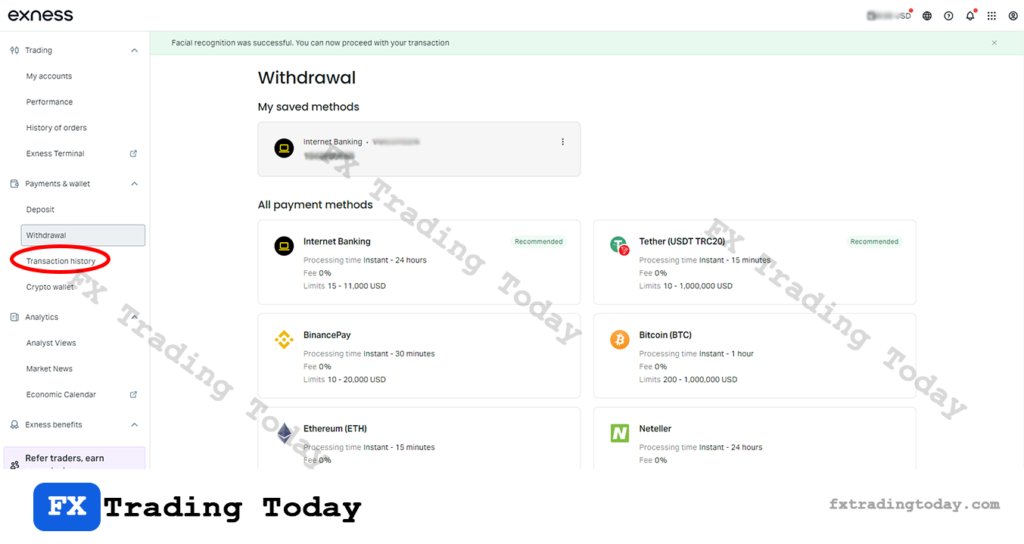
Track all your financial activities:
- Deposits
- Withdrawals
- Internal transfers
- Status of transactions
This helps ensure transparency and control over your funds.
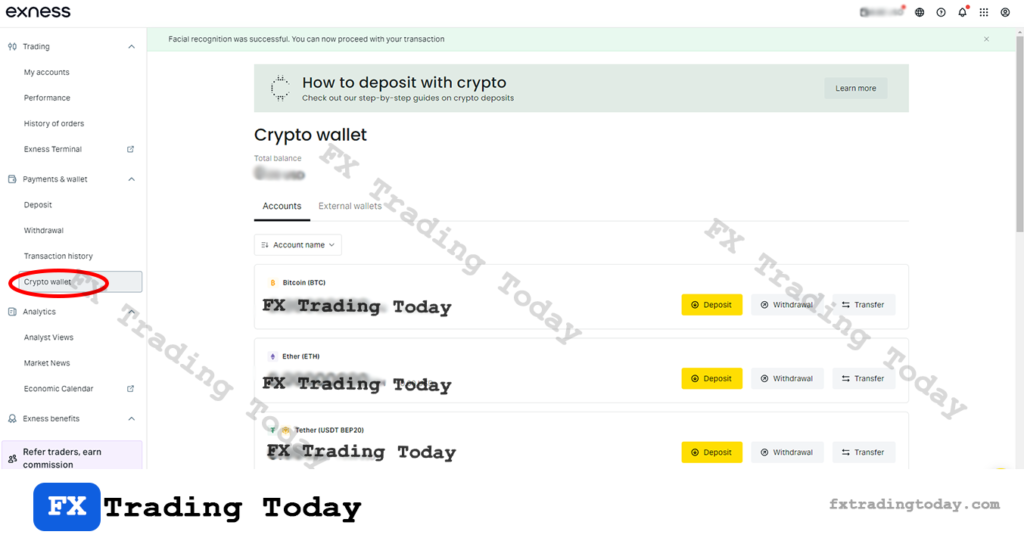
Crypto Wallet
Exness provides a Crypto Wallet feature for users dealing with digital assets.
- Store supported cryptocurrencies
- Transfer between wallet and trading accounts
- Manage crypto deposits and withdrawals
Analytics Section
This section provides market insights and trading data.
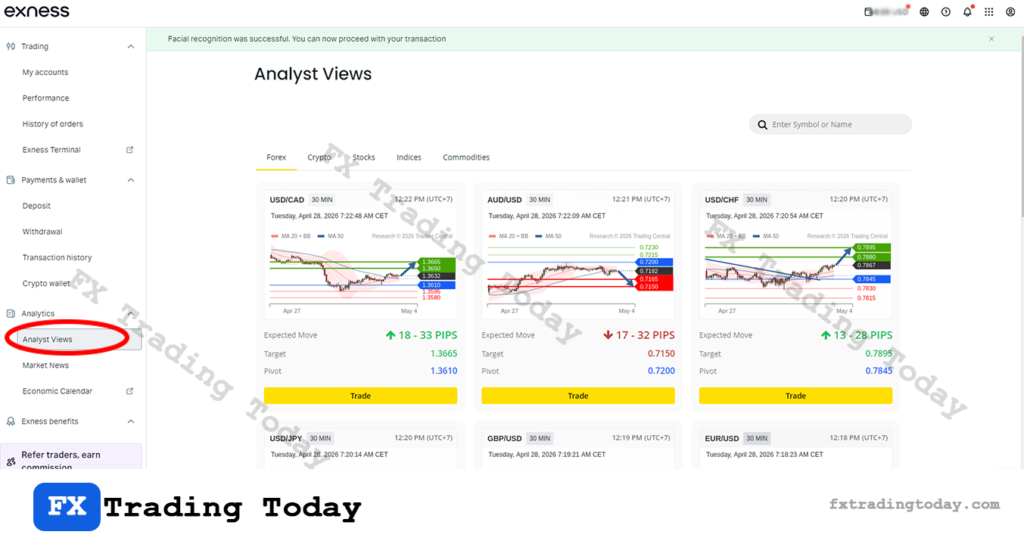
Analyst Views
Professional market analysis including:
- Trade ideas
- Market trends
- Technical analysis
Useful for both beginners and experienced traders.
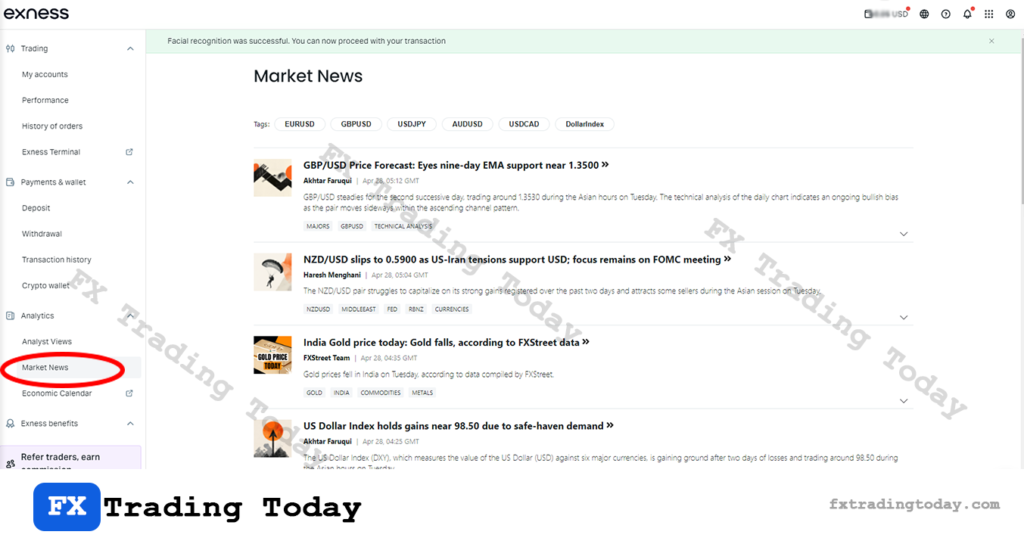
Market News
Stay updated with real-time financial news:
- Forex market updates
- Economic events
- Global financial trends
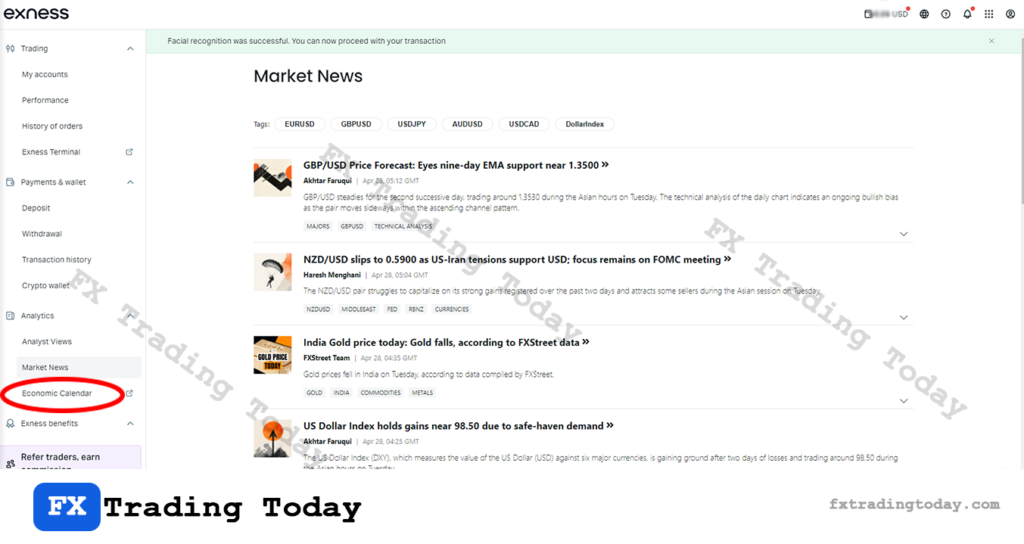
Economic Calendar
A powerful tool showing important economic events:
- Interest rate decisions
- Inflation data
- Employment reports
👉 Helps traders plan trades based on market volatility.
Exness Benefits Section
This section includes additional tools and advantages offered by Exness.
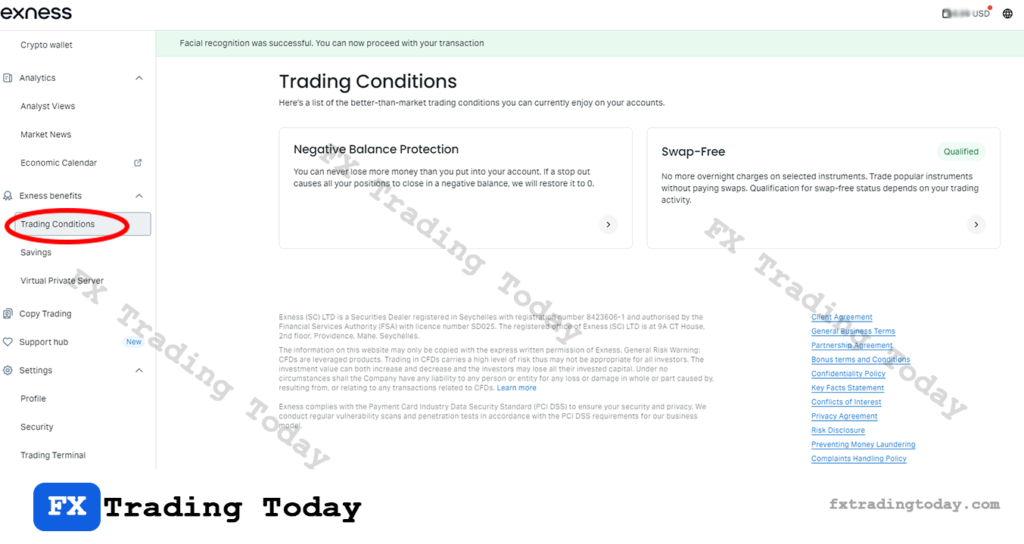
Trading Conditions
The Trading Conditions section provides an overview of the key protections and trading policies offered by Exness, helping traders understand the overall environment before placing trades.
It includes important conditions such as:
- Negative Balance Protection (NBP): Ensures your account balance cannot go below zero, protecting you from owing money in extreme market volatility.
- Swap-Free (Islamic Account): Allows eligible traders to trade without overnight interest charges on certain instruments.
👉 This section helps traders evaluate risk, costs, and trading flexibility before opening or using an account
Savings
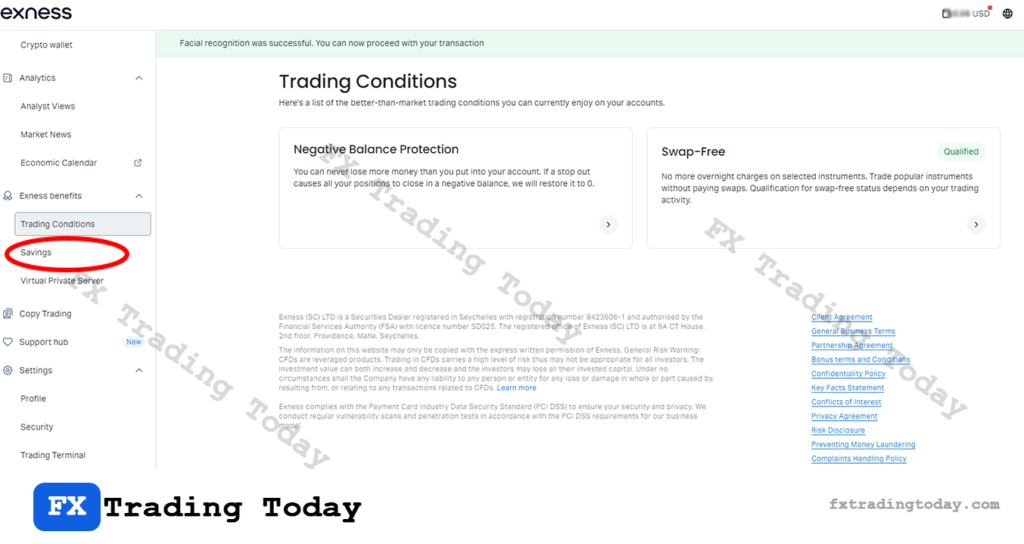
Exness offers a Savings feature that allows users to earn passive income on available funds.
- Interest on unused balance
- Flexible conditions depending on region
Virtual Private Server (VPS)
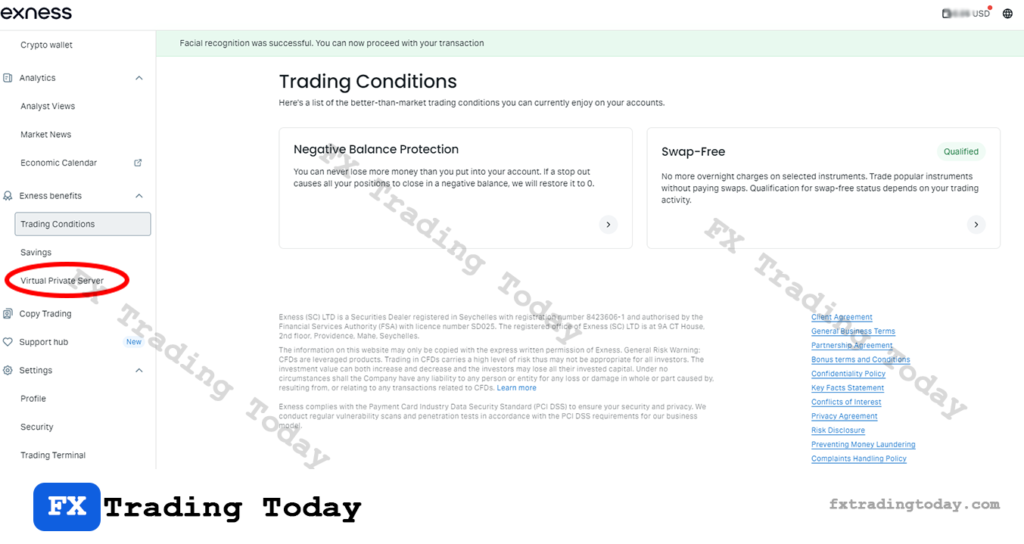
The VPS service helps traders:
- Run automated trading systems (EAs)
- Ensure stable connection
- Reduce latency
👉 Especially useful for algorithmic traders.
Copy Trading
The Copy Trading feature allows you to:
- Copy strategies from experienced traders
- Invest without actively trading
- Monitor performance of strategy providers
It is suitable for beginners who want to participate in trading without deep technical knowledge.
Support Hub
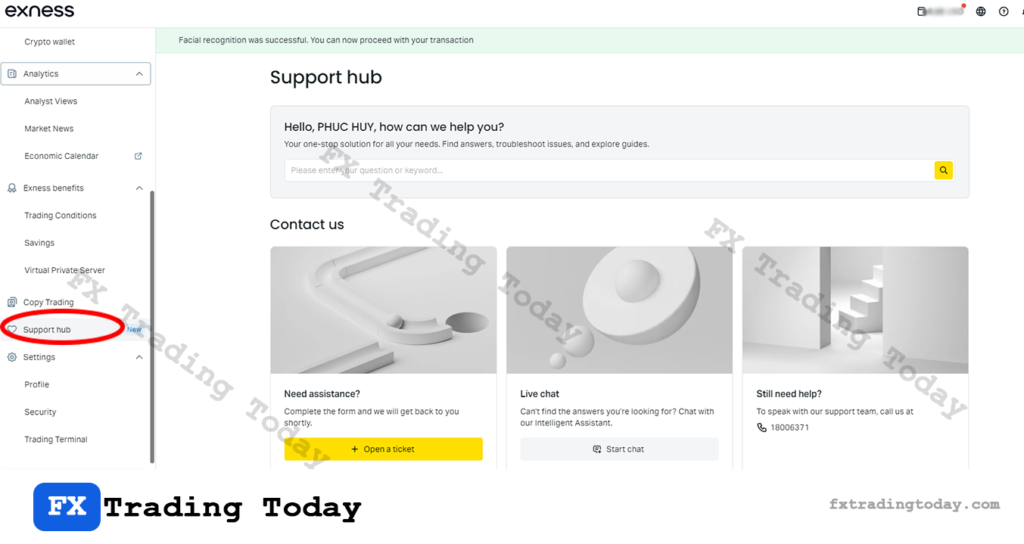
The Support Hub provides help and assistance:
- FAQs and guides
- Troubleshooting tools
- Contact customer support
- Live chat access
👉 This is your go-to section if you face login, withdrawal, or technical issues.
Settings Section
This section allows you to control your account and security.
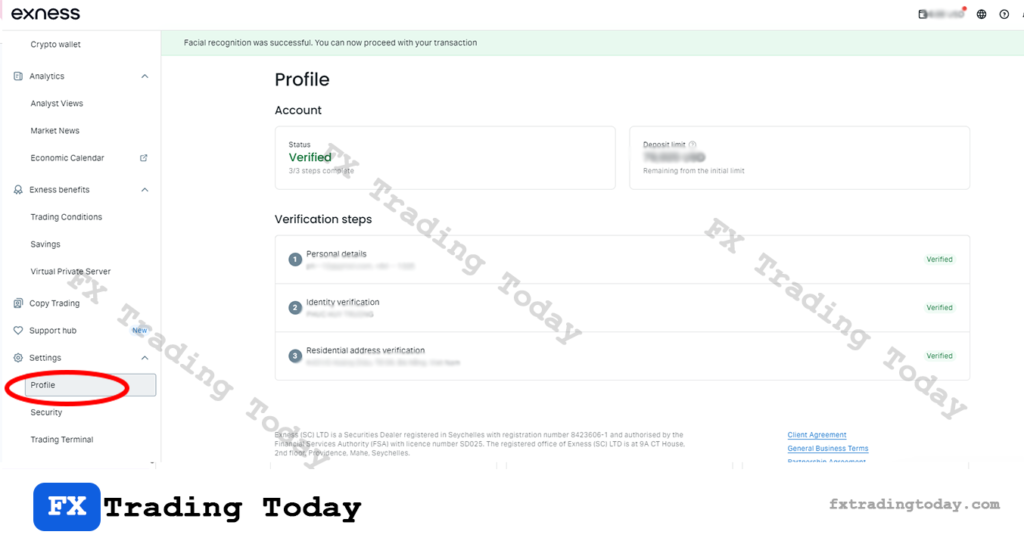
Profile
Manage your personal information:
- Name
- Contact details
- Verification status
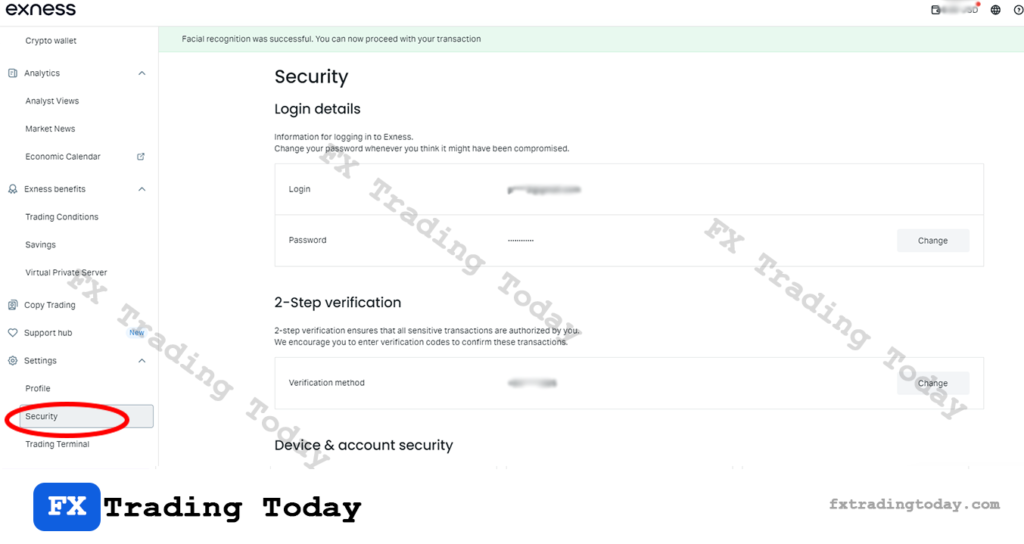
Security
Control all security-related settings:
- Change Personal Area password
- Set security type (email/SMS/app)
- Enable additional verification steps
👉 Critical for protecting your funds and account.
Can’t access your Exness Personal Area because you forgot your password? See our Exness password reset guide for step-by-step instructions.
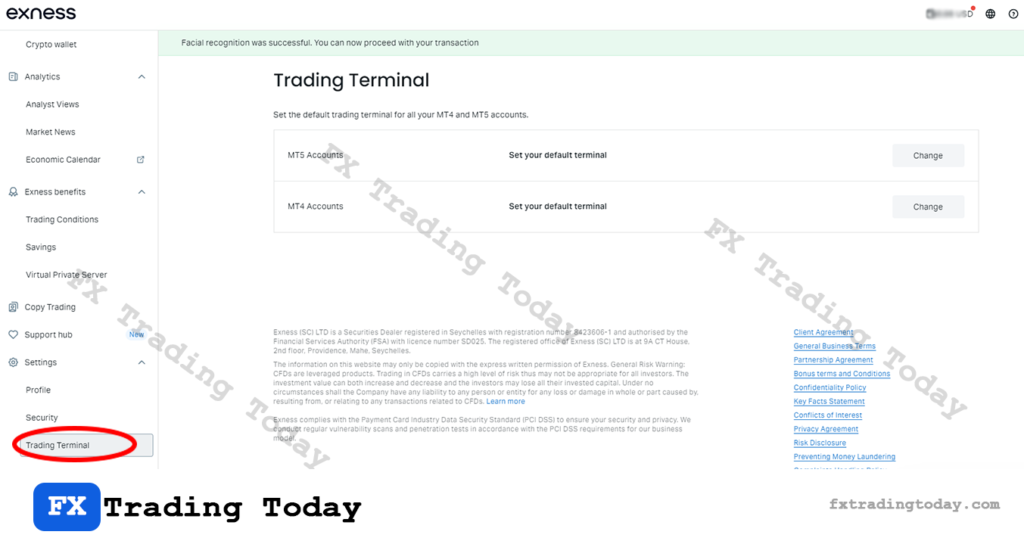
Trading Terminal
Customize your trading experience:
- Time zone settings
- Platform preferences
- Terminal configurations
Final Thoughts
The Exness Personal Area is designed to give traders full control over every aspect of their trading journey — from account creation and funding to analytics, trading tools, and security.
Understanding each section helps you:
- Trade more efficiently
- Manage funds safely
- Use advanced tools effectively
