
On This Page
Quick Answer: How to Download Exness Trade App on iOS?
Open App Store → Search “Exness Trade” → Select the official Exness app → Tap Download → Install and log in.
What Is the Exness iOS App?
The Exness iOS app (called Exness Trade) is the official mobile trading platform that allows you to:
- Access your Personal Area
- Trade forex, crypto, indices, and commodities
- Deposit and withdraw funds
- Monitor real-time market prices
- Manage accounts on the go
👉 It’s designed for both beginners and experienced traders who want flexibility.
Requirements to Install Exness on iOS
Before downloading, make sure your device meets these requirements:
- iPhone or iPad running iOS 12.0 or later
- Stable internet connection (Wi-Fi or 4G/5G)
- Enough storage space (around 100–200 MB recommended)
- Apple ID to access the App Store
How to Download Exness on iOS (Step-by-Step)
Follow these simple steps:
Step 1: Open the App Store
Unlock your iPhone and open the App Store.
Step 2: Go Directly to Exness
👉 Click here to go directly to Exness on the App Store
(Or search manually: type “Exness Trade” in the search bar)
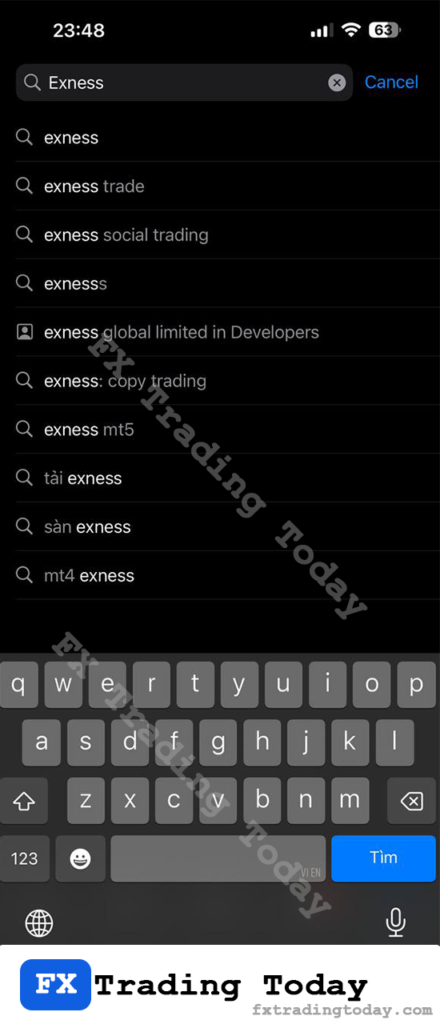
Step 3: Select the Official App
Make sure the app is published by Exness to avoid fake versions.
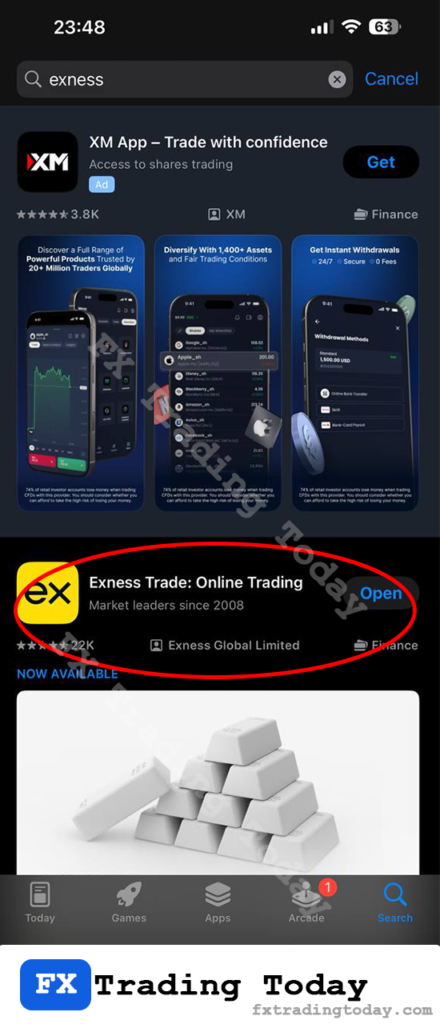
Step 4: Tap “Get” or “Download”
Install the app using Face ID / Touch ID / Apple ID password.
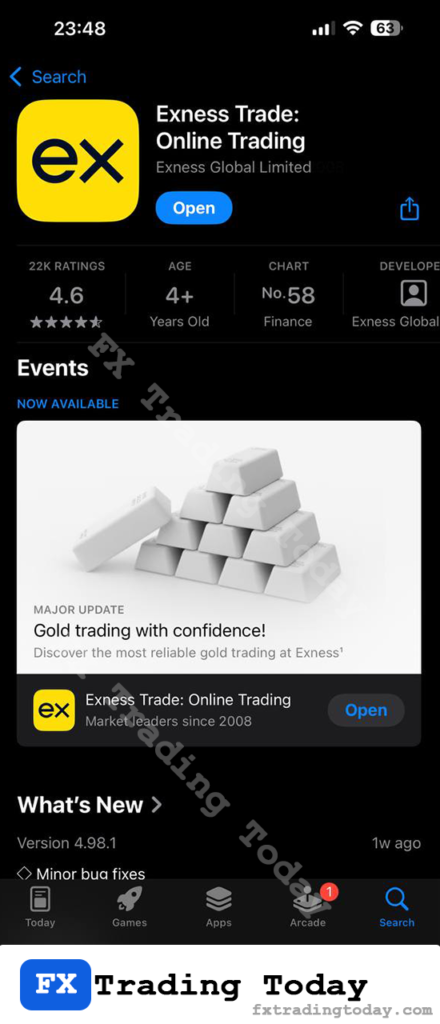
Step 5: Wait for Installation
The app will download and install automatically.
Step 6: Open and Log In
Launch the app and log in using your Exness account credentials.
If you use an Android device, read our full guide on how to download Exness Trade App on Android safely and install it step by step.
Is It Safe to Download Exness on iOS?
Yes — as long as you download the app from the official App Store.
To stay safe:
- Avoid downloading from third-party websites
- Double-check the app publisher (Exness)
- Never share your login details
What Benefits Do You Get When Using the Exness iOS App?
- Trade in real time anytime, anywhere
- Deposit and withdraw funds quickly and conveniently
- Use built-in trading tools and charts for better decisions
- Enjoy secure login with Face ID / Touch ID
- Manage your entire account directly from your phone
Need the Android Version Instead? Read our Exness Android download guide
Common Issues When Downloading Exness on iOS
Why can’t I find the Exness app in the App Store?
→ Check your App Store country/region settings. The app may not appear in some restricted regions.
Why can’t I download the Exness app on my iPhone?
→ Make sure your internet connection is stable and your Apple ID is working properly.
Why does the Exness app crash after installation?
→ Update your iOS to the latest version or try reinstalling the app.